
Four of the 30 posts. Template preview shown on a stock photo.
What is in the download
30 square posts written for an estate agent, with words and colours you can change.
- 30 square post layouts in one Word file (.docx), one post per page
- Print-ready PDF of all 30, which also works as counter posters or flyers
- Sample wording written for this type of business
- Each post is grouped, so you can save it as a picture straight from Word
- PDF guide with a 30-day posting plan, photo tips and how to save posts as pictures


Pair it in a kit
Social Media Starter Kit
Two social media post packs and two story packs of your choice, for a business starting out on social media.
Kit or one by one?
| Two ways to buy | For 1 person | For a team of 5 |
|---|---|---|
| Who can use the files | You | Up to five people in one business, school or household |
| Files you get | Everything listed on the template page | The same files |
| Editing guide | Included where listed | Included where listed |
| A resume costs | $12 | $22 |
| A presentation costs | $32 | $62 |
| Reselling or sharing the blank files | Not allowed | Not allowed |
The full rules for both options are on the Permitted Use page.
More social media post packs
Restaurant Social Media Pack
30 square posts for a restaurant or buka: menu items, daily specials, opening hours, delivery details and table bookings.
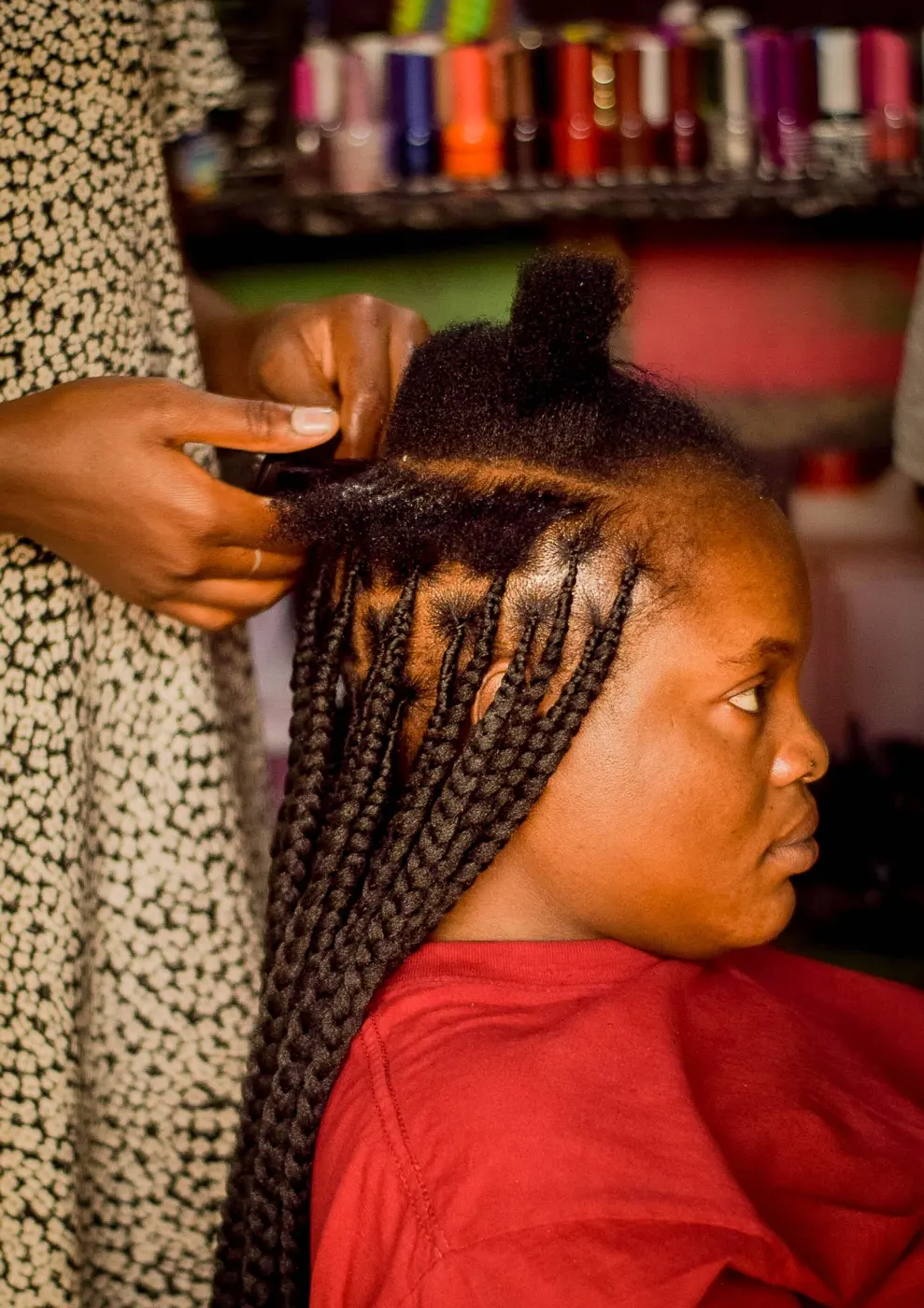
Salon Social Media Pack
30 square posts for a hair or beauty salon: price lists, booking reminders, new styles and before and after layouts.
Fashion Boutique Social Media Pack
30 square posts for a clothing or fabric shop: new arrivals, size guides, outfit ideas and sale announcements.

Fitness Coach Social Media Pack
30 square posts for a personal trainer or gym: class timetables, coaching tips, schedule changes and sign-up posts.
Questions
Something else? Email support@mallgoldenterprise.com.
Which platforms do the posts fit?
The square format works on Instagram, Facebook, WhatsApp Status and most other platforms.
How do I turn a post into a picture?
In Word, right-click the post and choose Save as Picture. The guide also shows how to do it in LibreOffice.
Can I use my own photos?
Yes. Click a photo space in Word and choose Change Picture.